
TWINT for WooCommerce: Let Swiss Customers Pay the Way They Already Do
We add TWINT as a payment method in your WooCommerce store — from choosing the right payment service provider through sandbox testing to the first real transaction.
hechenbros sets up TWINT as a payment method in your WooCommerce store — from choosing the right payment service provider through technical configuration to sandbox testing on desktop and real mobile devices. TWINT only goes live for your customers once testing is fully passed and a real test transaction has been completed.
What you get
A payment method customers trust
Swiss customers pay with the app they already use every day, instead of switching to card or PayPal.
Fewer abandoned carts
When the expected payment method is missing at checkout, customers often abandon the order. TWINT closes that specific gap.
Automated handling
Order status, payment confirmation, and refunds run directly through WooCommerce, with no manual reconciliation.
Who this is for
Swiss stores pricing in CHF
TWINT only works in Swiss francs.
Stores with mostly mobile shoppers
TWINT sees particularly heavy use on smartphones.
Stores that already offer card or PayPal
TWINT adds to your existing payment methods rather than replacing them.

Without TWINT, you lose Swiss customers right at checkout
TWINT is one of the most widely used payment methods in Swiss e-commerce. If it's missing at checkout, a store feels incomplete to a portion of customers — even if card and PayPal work perfectly well. The problem usually only shows up at the final step of the order, not before.
Missing the expected payment method
Customers expect to see TWINT and look for it before switching to card or PayPal.
Drop-off right before completion
Without the right payment method, orders get abandoned at the very last step instead of completed.
Unclear which provider to use
TWINT can't be set up directly — it only becomes available through a payment service provider with a TWINT agreement, and it's often unclear which one is right.
Uncertainty around sandbox and go-live
Without structured testing, orders can get stuck as "Pending payment" even though the customer has already paid.
The right payment service provider for your store
TWINT doesn't exist as a standalone plugin — it's unlocked through the official WooCommerce plugin of a licensed Swiss payment service provider. Which one fits depends on your existing setup and requirements.
Datatrans
An established Swiss provider with a broad range of payment methods and solid WooCommerce support.
Wallee
A Swiss payment platform with its own WooCommerce plugin, commonly used by smaller and mid-sized stores.
SIX/Saferpay
A solution from Switzerland's largest payment processor, common for businesses with an existing banking relationship.
PostFinance Checkout
An obvious choice if you already hold a PostFinance business account.
We check which payment service provider fits your existing setup before anything gets configured.
How it works
Clarify the prerequisites
We check whether a TWINT-enabled agreement with a payment service provider already exists, or help you choose one. This business-side approval has to be in place before technical work starts.
Set up the plugin and enable TWINT
The provider's official plugin is installed, connected with sandbox credentials, and TWINT is switched on as a payment method.
Check the technical foundations
HTTPS, the webhook URL, and firewall settings are reviewed — this is where most issues that leave orders incorrectly marked as unpaid come from.
Test in the sandbox
We test the payment flow on desktop via QR code and on a real mobile device via the app hand-off, including cancelled and failed payments.
Verify refunds
A partial and a full refund are triggered directly from WooCommerce and verified with the payment service provider.
Go live
Once every test passes, we switch to real credentials and run one genuine test transaction before TWINT becomes visible to your customers.
A payment method your customers already use
Setting up TWINT isn't just one more checkbox at checkout — it's access to one of the most widely used payment methods in Swiss e-commerce.
Direct access to a widely used payment method
Customers pay with the app they already use in everyday life.
No unnecessary technical complexity
Only official plugins from licensed payment service providers are used — never unofficial extensions.
Reliable refunds
Refunds work directly from the WooCommerce order screen you already know.
Visibility for you, not just for us
You can see transactions and payouts yourself in your payment service provider's dashboard, without depending on us.
We clarify the right provider, set up TWINT, and test the entire payment flow before it goes live.
Frequently asked
What do I need in place before TWINT can be set up?
You need an agreement with a Swiss payment service provider that supports TWINT — for example Datatrans, Wallee, SIX/Saferpay, or PostFinance Checkout. This business-side approval typically takes a few days to a few weeks and should be started early.
Does TWINT work if my store sells in euros?
No. TWINT only works in Swiss francs. If you also sell in euros, TWINT can only be offered on the CHF checkout path.
Which payment service provider is right for me?
That depends on your existing setup — for example an existing bank or PostFinance account. We work through this with you before starting any technical setup.
Is there a standalone TWINT plugin?
No. TWINT is always unlocked through the official WooCommerce plugin of a licensed payment service provider, not through a standalone TWINT plugin.
What does the payment actually look like for the customer?
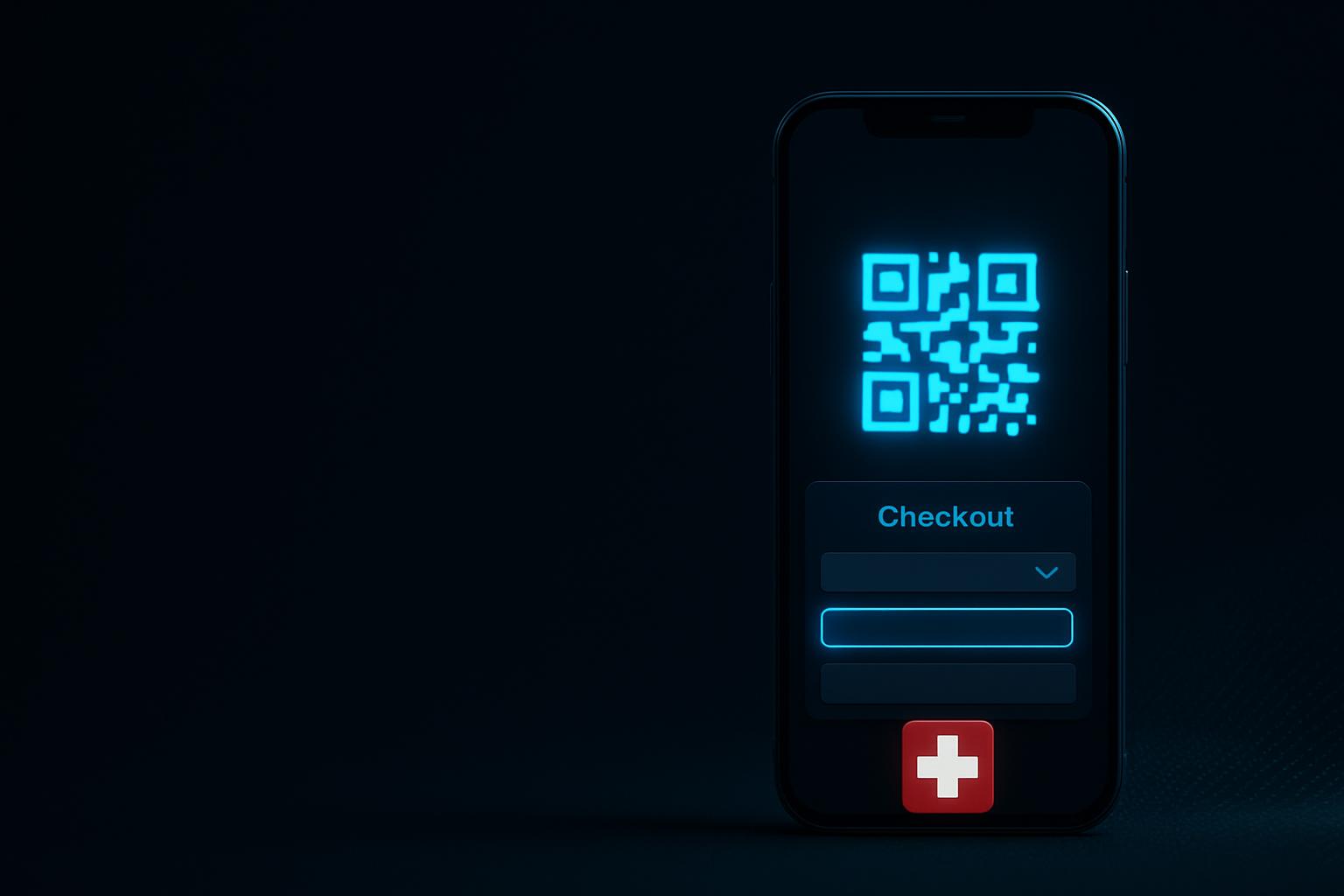
On desktop, a QR code appears that the customer scans with the TWINT app. On a smartphone, the customer is taken directly into the TWINT app to confirm the payment.
Is the integration tested before it goes live?
Yes. We test the entire flow in the sandbox environment first — on desktop and on a real mobile device — including cancelled and failed payments, before switching to real credentials.
What happens if a customer cancels the payment inside the TWINT app?
The order is marked as failed or cancelled instead of staying stuck as "Pending payment" indefinitely. This is one of the specific things we test during the testing phase.
Do refunds work through TWINT?
Yes. Partial and full refunds are triggered directly from the WooCommerce order screen, and we verify beforehand that they actually reach the payment service provider.
Can I see TWINT payments myself, without asking you?
Yes. All TWINT transactions and payouts are visible in your payment service provider's dashboard. We show you exactly where to find them.
How long does the technical setup take?
The technical setup itself is usually done within a few days. The overall timeline mostly depends on how quickly the payment service provider approves the TWINT agreement.
Offer TWINT as a natural part of your checkout
We clarify the right payment service provider, set up TWINT in your WooCommerce store, and test the entire payment flow before it goes live.
