
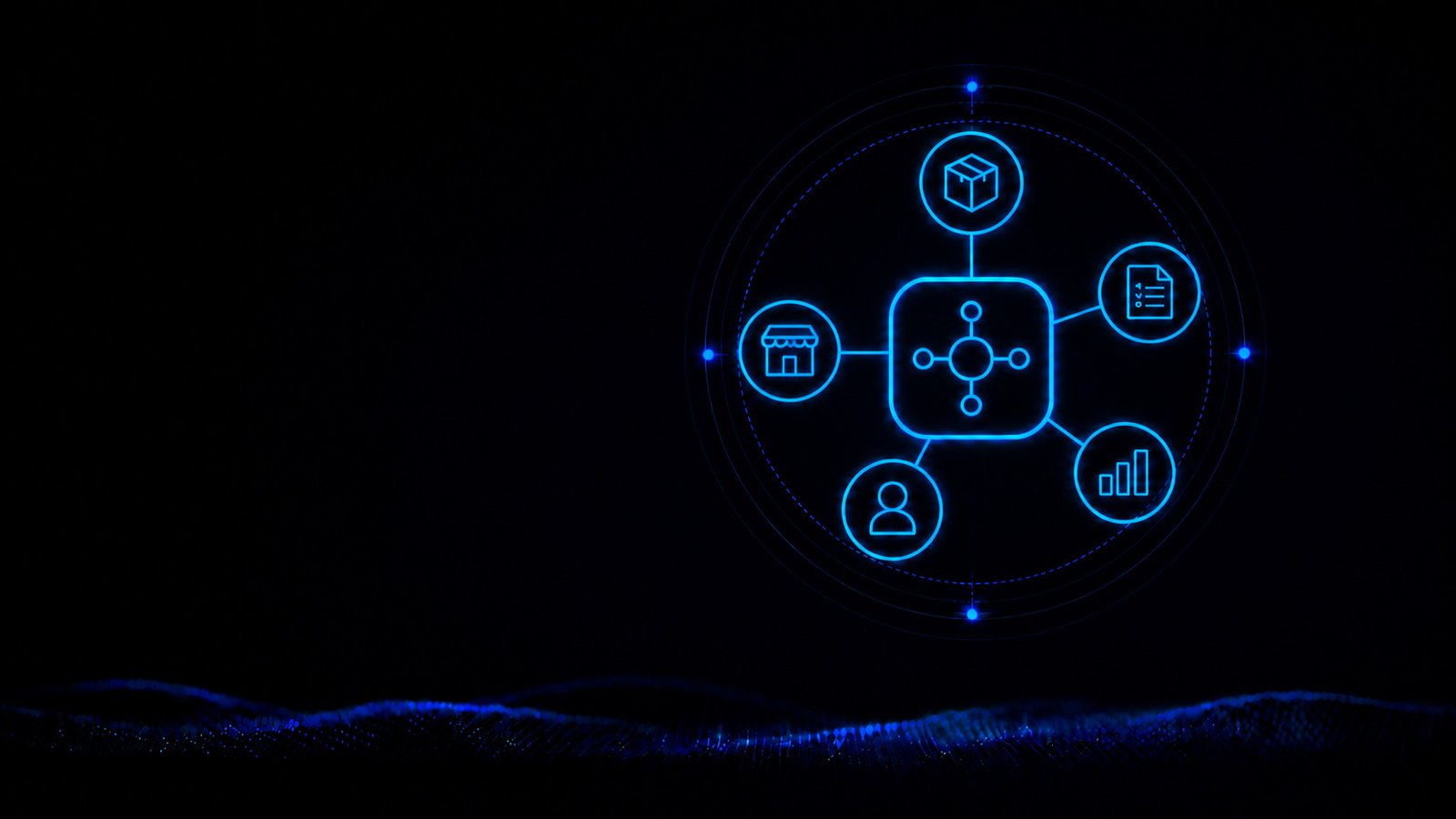
Odoo WooCommerce Integration: Connecting Your Shop and Business Processes
We build an Odoo WooCommerce integration that automatically exchanges orders, products, customer data, stock levels, prices, and status between both platforms.
hechenbros builds your Odoo WooCommerce integration to fit the Odoo apps you actually use and how tasks are split across your business. Orders, products, customer data, stock levels, prices, and status get exchanged automatically between both platforms — for less duplicate data entry and up-to-date information across your team.
What you get
Direct order handoff
New shop orders reach the right Odoo apps without being re-entered.
Aligned data flows
Products, stock, prices, and status follow the defined transfer paths.
Built around Odoo
The integration accounts for the apps, data structures, and workflows you actually use.

Where separate data slows down your workflow
WooCommerce captures new orders while Odoo handles tasks in sales, inventory, accounting, or other apps. Without an aligned WooCommerce-Odoo integration, critical information stays stuck between the two platforms. As order volume grows, so does the amount of checking, re-entry, and correction needed.
Duplicate order entry
Orders from the shop have to be re-created in Odoo with line items and customer data.
Mismatched stock numbers
Available quantities in Odoo don't always match the stock shown in WooCommerce.
Inconsistent product data
Product details and variants drift apart between the two platforms.
Delayed price changes
New prices only reach the online shop after another manual update.
Missing status updates
Processing status and shipping information don't flow back to WooCommerce on their own.
Unclear ownership
It's not clearly defined where certain information should be maintained and updated.
What information WooCommerce and Odoo can exchange
In an Odoo WooCommerce integration, every data area gets a defined source, destination, and system of record. The direction of transfer depends on how tasks are split between the two platforms.
Orders: WooCommerce → Odoo
Hand new shop orders — with products, quantities, and order details — over to Odoo.
Customer data: WooCommerce → Odoo
Provide the billing and shipping details needed for further processing.
Payment and shipping details: WooCommerce → Odoo
Pass on selected information about payment method and chosen shipping.
Products and variants: Odoo → WooCommerce
Make product data from the relevant Odoo app available in the online shop.
Stock levels: Odoo → WooCommerce
Report available quantities from Odoo Inventory to WooCommerce.
Prices and order status: Odoo → WooCommerce
Bring updated product prices, along with processing status, shipping information, or tracking numbers, into the shop.
From purchase to confirmation
An order triggers several steps. Order data needs processing, stock needs reserving, and customers need to be kept informed. The integration hands the required information over to the relevant Odoo apps.
The purchase completes
A customer orders in WooCommerce. The shop captures items, quantities, and the required billing and shipping details.
The order reaches Odoo
The agreed order data gets handed over to Odoo Sales, where processing can begin without re-creating the order.
Availability gets adjusted
Odoo Inventory processes the stock movement. Current stock can then be sent back to the online shop.
WooCommerce receives the status
After processing or shipping, selected information flows back. Customers see the current status and, where relevant, their tracking number.
Not every Odoo WooCommerce integration works the same way
Odoo can take on different tasks depending on the business. Some companies use only sales and inventory, others add accounting, CRM, purchasing, manufacturing, or custom extensions. That's why simply installing an Odoo WooCommerce connector isn't enough.
Sales
Create WooCommerce orders as sales orders in Odoo.
Inventory
Record stock movements and report available quantities to WooCommerce.
Accounting
Provide the relevant order and customer data for further processing in accounting.
CRM
Bring customer information into the intended sales process.
Purchasing
Support procurement based on actual demand.
Manufacturing
Link orders to production workflows where needed.
We look at the apps you use and clarify how WooCommerce can be meaningfully integrated.
How it works
Map system roles
We clarify which Odoo apps are active, which tasks WooCommerce handles, and where the authoritative data lives.
Define transfer logic
For orders, products, customers, stock, prices, and status, we define the source, destination, and required fields.
Build the integration
We configure or build the required WooCommerce-Odoo integration and set up the agreed mappings.
Test the workflows
Typical orders and updates get tested. Once verified, we prepare the integration for live operation.
A tested data path for day-to-day operation
Before we connect Odoo with WooCommerce, we look at how tasks are currently split between the two. The result is a tested data path that fits reliably into your ongoing operation.
No duplicate data entry
Orders, stock, and prices flow automatically between WooCommerce and Odoo — without repeated manual entry.
Built around your Odoo apps
The integration gets built to fit the Odoo apps you actually use and how tasks are split — not as a generic standard solution.
We show you which data exchange makes sense for your Odoo setup.
Frequently asked
Can Odoo be connected to WooCommerce?
Yes. Which solution fits depends on the Odoo apps in use, your shop configuration, and the intended data exchange.
Can WooCommerce orders be transferred to Odoo automatically?
New orders can be passed to Odoo with line items, quantities, and billing and shipping details. Which fields get included depends on your workflows.
Can Odoo stock levels be synced with WooCommerce?
Available quantities can be reported from Odoo to the online shop. Products and variants need to be clearly matched between both platforms for this.
Can Odoo update prices in WooCommerce?
Yes. It needs to be clarified beforehand which price lists, currencies, taxes, or customer groups should be taken into account.
Is a ready-made Odoo WooCommerce connector enough?
That can only be judged after reviewing your requirements. An existing connector may be suitable, but it needs to support the apps, data fields, and workflows you need.
Can the WooCommerce-Odoo integration be extended later?
Additional fields, transfer rules, or Odoo apps can be added, provided both platforms offer the required functionality.
Can custom Odoo fields be transferred?
Custom fields can be included if they're readable or updatable through the available access methods. The mapping gets defined before implementation.
What happens if a transfer fails?
Failed operations can be logged and made available for reprocessing or targeted review. The right approach depends on how critical the affected data is.
Start your Odoo WooCommerce integration
We align the data exchange with your Odoo apps and processes.
