
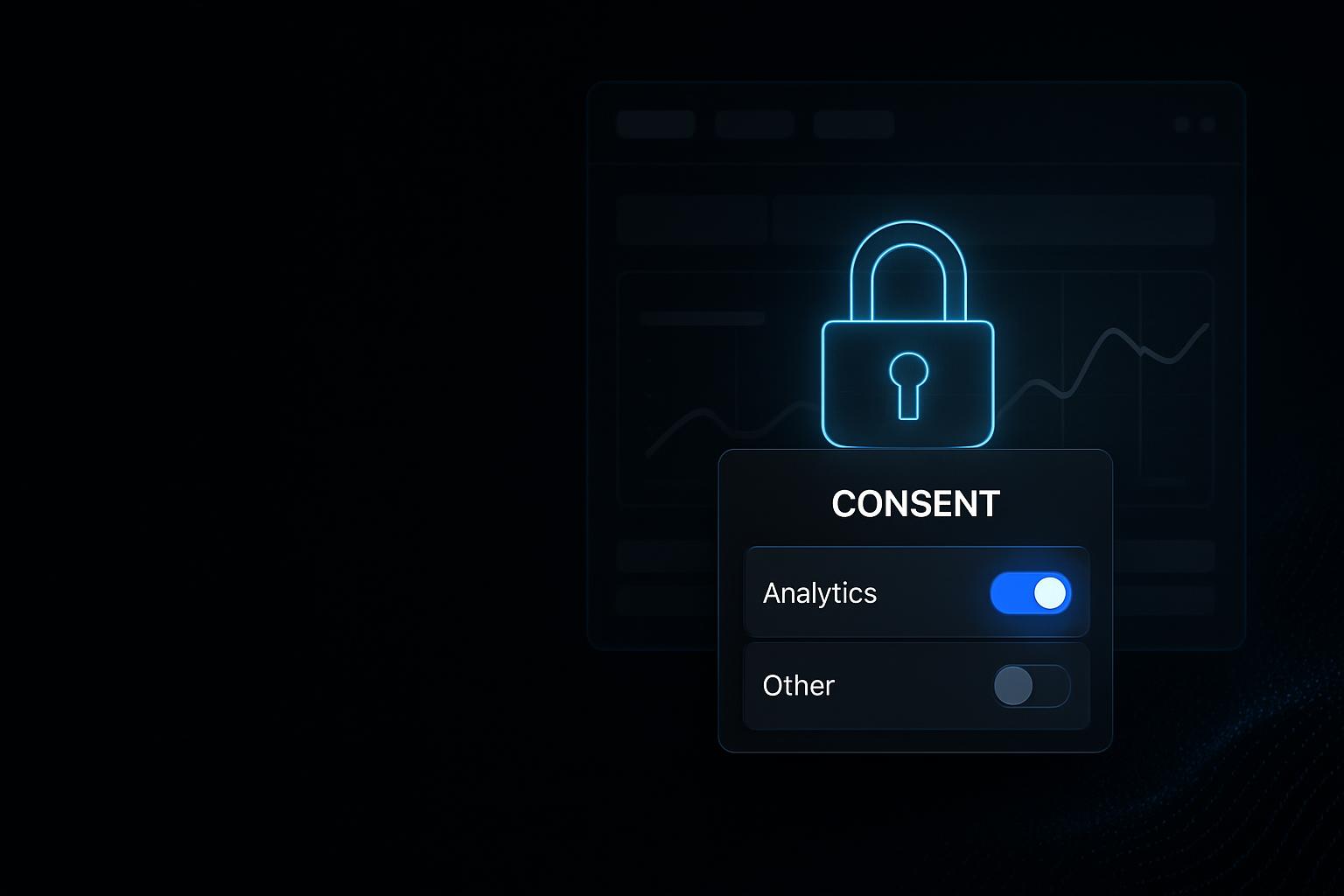
GA4 and Consent Mode setup — measurement that depends on consent
We set up GA4, Google Tag Manager and Consent Mode v2 so measurement genuinely depends on your visitors' consent — and document what is being measured.
Most tracking setups were not designed, they accumulated. A plugin here, a container there, a cookie banner on top — and in the end the site collects numbers nobody deliberately configured and which cannot be explained when it matters.
We rebuild that foundation: one container as the single place tags live, GA4 with settings that suit you, named events for the things that actually count commercially, and Consent Mode v2 connected so your banner genuinely governs the measurement. Plus a short overview that someone who does not do tracking can still read.
We start by looking at what your site loads today — and from what moment.
What you get
Consent actually governs measurement
Your consent tool is connected to the tag manager, rather than the two running side by side and hoping they agree.
Named clearly instead of grown over time
Container, tags and events get a structure that still reads clearly a year from now.
Handed over documented
You and your agency know afterwards what is measured, what it is called, and where it appears in a report.
Who this is for
Sites with tracking that accumulated
When plugins and containers have piled up over the years and nobody has an overview any more.
Sites with a banner that does nothing
When the consent banner is there but was never connected to the tracking.
Working alongside an agency
When the agency needs reliable numbers and the technical implementation is not in their hands.
Before starting ads
When budget is about to flow and it has to be clear beforehand what is actually measured.

Numbers are being collected — nobody knows which ones
Most setups were not designed, they accumulated. A plugin here, a container there, a consent banner on top. The result measures something, but rarely what anyone deliberately configured.
The banner governs nothing
A cookie banner that merely appears while the tags fire independently of it looks like consent but is not.
Tracking runs before the decision
Scripts load before anyone has clicked the banner. What already reached Google in that moment is not visible from the page.
Double measurement
GA4 sits in the theme, in a plugin and in the tag manager at once. The numbers look healthy and are useless.
Nobody knows what is in the container
The container grew over years, whoever built it has left, and nobody dares delete anything.
Events with no recognisable name
What an event measures is written down nowhere. At reporting time someone guesses from the name what it might have meant.
Consent Mode half configured
The signals are set but never connected to the consent tool — or they sit permanently on granted.
A review usually shows quickly which of your numbers do not hold up.
What we set up
How much is needed becomes clear from looking at your existing setup. These are the building blocks.
Google Tag Manager
One container as the single place tags live, instead of spread across theme, plugins and pasted snippets.
GA4 set up properly
Property, data stream and base settings including retention period and internal traffic that does not belong in the statistics.
Consent Mode v2
All four signals default to denied and are updated only by the visitor's actual decision.
Connected to your consent tool
Your banner genuinely drives the signals — we work with Borlabs Cookie on WordPress regularly, and other common tools can be connected too.
The events that matter
Form submissions, booking clicks and relevant interactions captured as named events, rather than leaving everything under page views.
Removing double measurement
Existing implementations are found and cleared out, so an event counts once rather than twice or three times.
Documentation
A short overview of what each event means and where it appears in a report — readable by someone who does not do tracking.
Often less is needed than feared — and some of what is running should go.
How strictly consent should apply
Consent Mode has more than one level. Which one fits you is a decision worth making deliberately, rather than one a plugin makes for you.
The standard approach
The container always loads and every signal starts denied. No cookies are set and no measurement data is sent before someone agrees — though Google does receive anonymous signals with no identifier.
The stricter approach
The container is not loaded at all until someone has granted at least one category. Before that decision there is no contact with a Google domain whatsoever.
What the stricter approach costs
With no contact before consent, the anonymous signals Google uses to model missing data fall away too. Your reports then show less, but only things actually measured.
What we use ourselves
This website runs the stricter approach. You can check that in the page source rather than taking our word for it.
What this service is not
So it is clear where this service stops:
Not legal advice
We technically implement what your requirements and your consent tool call for. Whether your setup as a whole is lawful is for your legal advisers — we do not give that assurance.
Not campaign management
We set the measurement up and hand it over. Ads, bids and budgets stay with you or your agency.
Not server-side tagging
A server-side setup is its own undertaking, with its own infrastructure and its own effort.
Not complete capture
Without consent there should be no measurement, and browser settings prevent a further share. Anyone promising complete numbers is measuring around consent.
How it works
Take stock
We look at what your site loads today, from what moment, and which measurements exist more than once.
Decide what counts
Together we establish which events genuinely matter to your business — and which only produce numbers.
Build the container and GA4
Tag Manager and GA4 get restructured, with names that still read clearly later.
Connect consent
Consent Mode is configured and tied to your banner, at whichever level you chose.
Verify
We play through both cases — granted and denied — and check what actually leaves the browser in each.
Document and hand over
You get a short, readable overview for yourself and your agency.
Who is involved when, and which access is needed, is settled before the start.
Why a clean setup is worth the effort
The value is not in the report but in the decisions you base on it:
Numbers you can rely on
Double-counted events and clicks treated as completions drop out of your evaluation.
The banner does what it promises
Someone who declines is not measured. That is the actual purpose of a consent banner.
Maintainable when things change
With a new form or a new landing page, it is clear what needs adjusting.
Your agency can actually work
Reliable signals are the basis for reporting and optimisation. Without them any agency is optimising blind.
Frequently asked
What is Consent Mode v2, exactly?
An interface through which your site tells the Google tags what a visitor has consented to. There are four signals — for analytics, for advertising cookies, for the use of advertising data, and for personalised advertising. Without them, the tags behave as if nothing had been decided.
Is our cookie banner not enough?
Only if it is genuinely connected to the tracking. A banner that appears and stores a choice, without anything changing in how the tags behave, is decoration. That connection is exactly what we set up.
Do we lose data if measurement depends on consent?
Yes, and that is the intended state. Visitors who decline do not appear. What matters is that you know it and read your numbers accordingly, rather than treating them as complete.
Which level do you recommend?
It depends on how much you value the modelling and how strict you want to be. We put both options side by side with their consequences, and you decide. Our own website runs the stricter one.
Does it work with Borlabs Cookie?
Yes, we work with it regularly. Other common consent tools can be connected too — what matters is that the tool can actually pass the signals on, rather than only drawing a banner.
Does this make us data-protection compliant?
We implement your consent tool's requirements correctly and tie measurement to consent. Whether your setup as a whole is lawful is for your legal advisers to assess — we do not give that assurance.
What happens to our existing data?
Existing GA4 data stays. What changes is collection from the rebuild onwards. Where numbers visibly shift afterwards, we tell you in advance why, so the step in the report is not read as a collapse.
Can we change things ourselves afterwards?
Yes. The structure is named and documented so changes are possible without taking the setup apart. For larger rebuilds we can support on request.
Do we need Tag Manager for this?
Not strictly, but it makes sense in almost every case. Without a container the tags sit scattered across theme and plugins, and every change becomes a development task.
Do you set up Google Ads conversion tracking too?
That is a separate service that builds on this one. This page covers the foundation — container, GA4 and consent. Connecting Google Ads including completions is described separately.
Does your cookie banner know what your tags are doing?
Tell us your website. We will look at what it loads before and after consent, and tell you what does not line up.
