
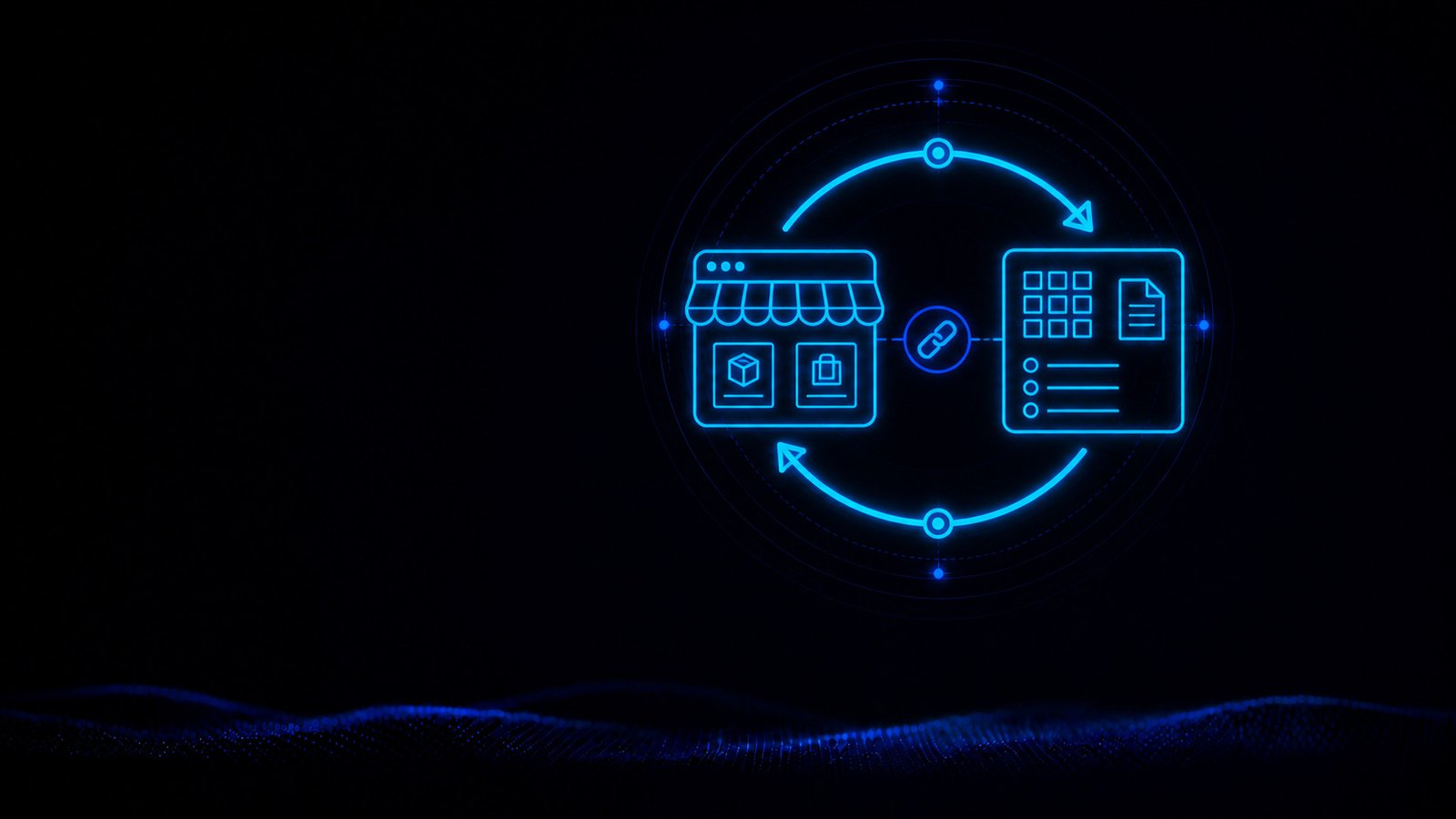
WooCommerce ERP Integration: Automatically Connect Shop and ERP
We build the right integration so orders, products, customers, stock levels, and other relevant information get transferred automatically between WooCommerce and your ERP.
hechenbros builds the right WooCommerce ERP integration so orders, products, customers, stock levels, and other relevant information get transferred automatically between your shop and your ERP. That reduces manual work, avoids duplicate data entry, and creates reliable workflows for your online business.
What you get
Less manual work
Orders and other information get passed on to the right system without repeated data entry.
Consistent data
Stock levels, prices, and status stay current wherever your team and customers need them.
Built around your processes
The WooCommerce ERP integration gets shaped around your ERP and your actual workflows.

When your shop and ERP work in isolation
WooCommerce takes in orders, while products, inventory, customer data, or order processing live in your ERP. Without a direct connection, information often has to be transferred by hand — staff re-create orders, compare stock levels, or update shipping notices one by one.
Duplicate data entry
Orders and customer data get captured a second time.
Outdated stock levels
The displayed availability doesn't always match what's actually in the warehouse.
Delayed processing
New orders don't reach the ERP right away.
Inconsistent status data
Processing and shipping updates reach the shop late.
Which data can be connected?
Not every piece of information needs to flow in both directions. We define what data your process actually needs and which system is the source of truth for it.
Products
Sync product data and variants between your ERP and shop.
Orders
Hand new WooCommerce orders over to the ERP automatically.
Customer data
Pass billing and shipping data to the ERP.
Stock levels
Keep available quantities in the online shop up to date.
Prices
Bring price changes over from the system of record.
Order status
Send processing status, shipping data, and tracking numbers back to WooCommerce.
Show us which information gets transferred manually today. We'll review how that process can be automated.
Getting WooCommerce orders into your ERP
A typical flow shows how the WooCommerce ERP integration connects both systems. The shop takes in the order, while your ERP, inventory, and shipping handle the rest of the processing.
The order happens in WooCommerce
A customer orders through the online shop. WooCommerce captures products, quantities, and billing and shipping information.
The order gets imported into the ERP
The integration passes the new order, with the required customer data, over to the ERP — no re-entry needed.
Stock gets updated
After processing, the available quantity gets adjusted, so stock levels in the shop stay current.
Status gets reported back
Once the order has been processed or shipped, order status and tracking number flow back into the shop.
How it works
Understand the processes
We clarify how orders, products, inventory, and shipping are handled today, and which manual steps should go away.
Review the options
WooCommerce, your ERP, and the available integrations get reviewed — after that, it's clear which data can flow in which direction.
Build the connection
We build the custom WooCommerce ERP integration and set up data fields, rules, and transfers to fit.
Test the workflows
Orders, stock changes, and status updates get tested in a controlled way before the integration goes live.
Connecting weclapp and other ERP systems with WooCommerce
Which WooCommerce ERP integration is possible depends on the system in use, the available interfaces, and your operational requirements.
Different ERP systems
We review how your existing ERP can connect to WooCommerce and which data can be exchanged.
Available interfaces
APIs or other exchange options determine which information can be read, transferred, and updated.
Custom data flows
Products, orders, customers, stock, prices, and status get connected to fit your process.
A dedicated solution for weclapp
For companies using weclapp, we offer our own integration built specifically around that ERP.
What improves in day-to-day operations
Automated WooCommerce processes take work off your team's plate and make sure important information is available wherever it's needed.
Fewer manual tasks
Recurring transfers happen automatically.
Lower risk of errors
Duplicate entries and transfer mistakes get avoided.
Faster order processing
New orders show up in the ERP promptly.
Reliable information
Stock, prices, and status stay current across both systems.
Frequently asked
Can any ERP be connected to WooCommerce?
That depends on the available interfaces and access options. We check which data your ERP can provide and receive.
Which data can be transferred between WooCommerce and an ERP?
Possible data includes products, orders, customer data, stock levels, prices, and order and shipping status. The scope needed gets defined for your workflow.
Is bidirectional ERP synchronisation possible?
Yes, as long as both systems can process the relevant information. For example, orders can flow into the ERP while stock and status get sent back to WooCommerce.
Can existing products be reused?
In many cases, yes. For this, items in both systems need to be uniquely matched, for example via shared SKUs.
Do I need a custom WooCommerce integration?
A custom solution makes sense when existing extensions don't fully cover your processes. We first check what's already possible.
What happens with a failed transfer?
Errors can get logged and made available for reprocessing or manual review. The exact behaviour gets defined to fit the specific business process.
Which system stays the leading data source?
That gets defined individually for each data area. Products and prices might come from the ERP, for example, while new orders originate in WooCommerce.
Can the ERP integration be extended later?
Yes. Additional data fields, transfer directions, or workflows can be added, provided the systems involved support the required functionality.
Connect your ERP with WooCommerce
We build the right integration for your ERP and your processes.
