
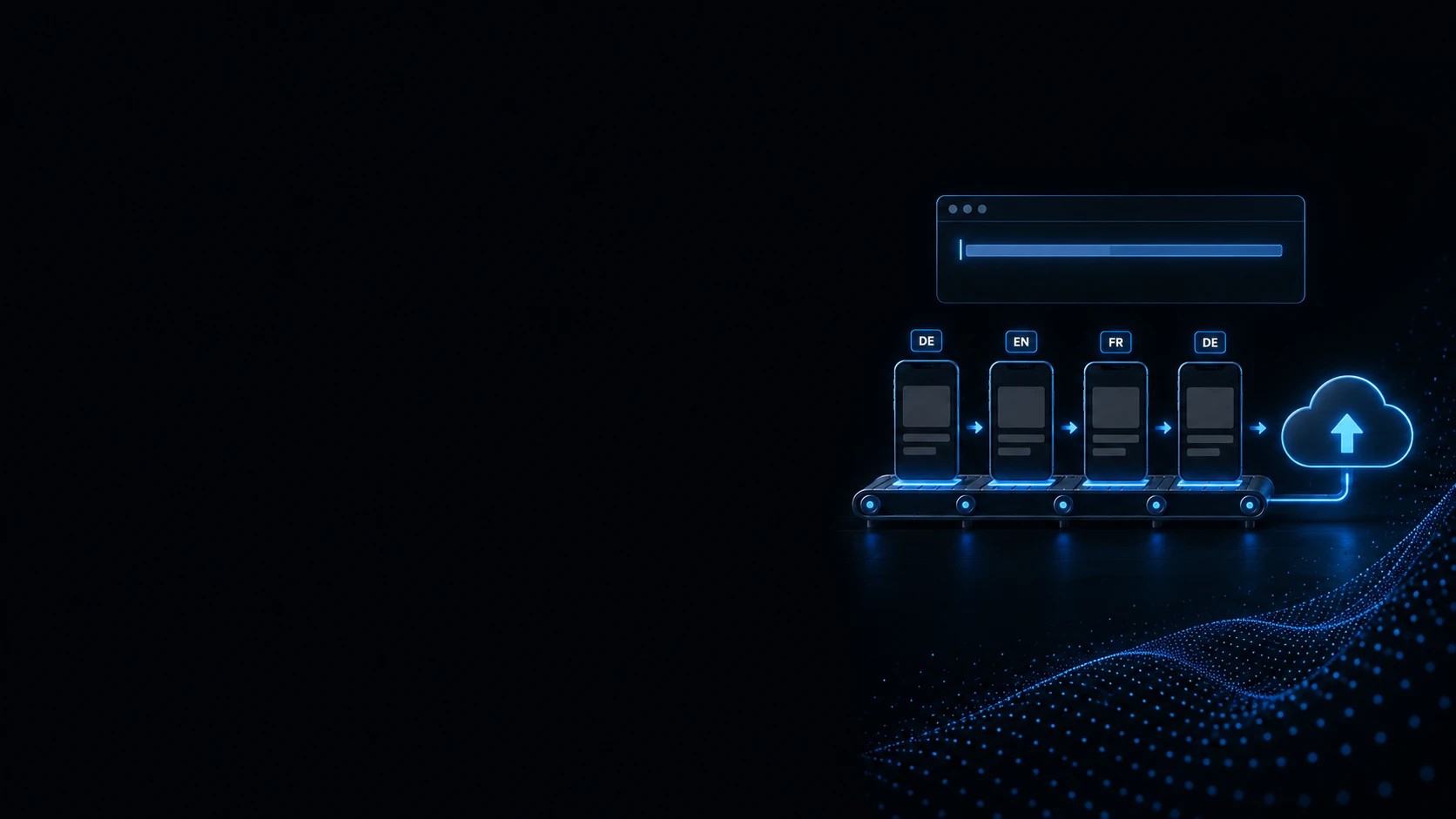
Automating React Native releases: screenshots, metadata and store upload
One command produces your store screenshots in every language, one the preview video, one uploads metadata, one sends the build to TestFlight — reproducible, instead of by hand every time.
Publishing an app is rarely the problem. Publishing it a second, fifth and twentieth time is: recreating screenshots by hand, typing store copy out of a spreadsheet into the backend, and discovering at upload that a key has expired.
We build that process as a pipeline inside the project. A UI test drives the app through every screen and produces the store images in all languages, framed and captioned. Store copy lives as versioned files in the repository rather than in a document. Every step — metadata, screenshots, TestFlight, submission — can be triggered on its own, so a correction to the description does not have to go through review.
We start by looking at what happened by hand during your last release.
What you get
Screenshots from a test run
A UI test drives the app through every screen and triggers the capture. New language, new device, changed screen — one command, not an afternoon.
Every step separately runnable
Change metadata without uploading a build. Swap screenshots without submitting anything for review. Submission happens only when you explicitly mean it.
The same result on every run
Simulator erased, app reinstalled, status bar normalised, demo data seeded. Two runs produce identical images — not similar ones.
Who this is for
Teams shipping regularly
When an update goes out every few weeks and the same manual steps come round each time.
Apps in several languages
When screenshots and store copy have to be maintained per language and the effort grows linearly with each one.
Solo developers and small teams
When the release depends on one person and nobody else could carry it out.
Agencies with app clients
When you keep the client relationship and want the release mechanics handled in the background.

Every release costs two days all over again
The app is finished, the code is done. What eats the deadline is everything around it — and it comes back in full at every update, because nobody wrote down how it went last time.
Screenshots by hand
Launch the simulator, click through, capture, crop. Times two languages, maybe two platforms, and from scratch after every design change.
Images that do not match each other
One screenshot says 14:37 with a half-empty battery, the next shows different sample text. Side by side on the store listing, that is exactly what people notice.
Translations live in a spreadsheet
Description, keywords and subtitle per language get typed into a document and later copied by hand into the store backend. Nobody is sure what was last uploaded.
It all depends on one person
Certificates, keys and the exact sequence live in someone's head or a chat thread. If that person is on holiday, the release moves.
Errors only surface at upload
An expired key or the wrong app record shows up mid-upload — after the build has already run for half an hour.
A typo means another review
Submit text and binary together and every correction to the description has to go through review again.
Usually the list of manual steps alone shows where the two days go.
What we set up
The pipeline is built as separately runnable steps rather than one big button. That is the difference between "fix the metadata" and "start a new release".
Producing screenshots
A UI test drives the app through the defined screens and triggers a capture at each one — in every configured language, on the devices the store requires.
Framing and captions
Raw captures get device frames, a background and a caption per language. Only the finished framed files are uploaded, never the raw images sitting beside them.
Metadata in the repository
Name, subtitle, keywords, description and release notes live as text files per language in the project — versioned, reviewable in a diff, not in a document.
Verifying the key first
A separate, write-free step confirms the store key is valid and the app record exists — before an upload runs for half an hour and then fails.
TestFlight
Build and upload to TestFlight, including tester notes in each store language rather than an English placeholder.
Submission as its own step
Binary, metadata and screenshots together for review — kept separate from everything else, so nothing gets submitted by accident.
Versions and build numbers
Incrementing and tagging run in the same flow, so the store version, the git tag and the release notes cannot drift apart.
App preview video
Simulator recordings become the store video per language — layout, captions and end frame come from a configuration file rather than an editing timeline.
Which of these you need depends on how often you ship.
Why the screenshots are reproducible
Reproducible means two runs produce identical images. That is not a side effect — it is four deliberate decisions.
A clean starting state
The simulator is erased and the app reinstalled before a run begins. No leftovers from the last test, no half-filled forms.
A dedicated screenshot mode
The app launches with seeded demo data instead of empty lists or whatever the last test left behind. Every image shows the same examples.
A normalised status bar
Full battery, full signal, a fixed time on every image — rather than whatever state the simulator happened to be in.
Pinned devices and runtimes
Device and iOS version are specified unambiguously. Where two simulators share a name, resolution happens by identifier rather than by name.
The app preview video
The store video is the part almost everyone does by hand and then never touches again. It can be built the same way the screenshots are — from recordings and a configuration file.
Recorded, not screen-grabbed by hand
The simulator records while the app runs. Where two devices appear side by side, both recordings run at the same moment and are therefore in step by construction.
Timing is never touched
Nothing is slowed or trimmed afterwards. For an app whose content depends on tempo, any retiming would misrepresent the product — the room for captions comes out of the recording itself.
Captions per language
Caption text and end frame come from one file per language. Japanese and Chinese are typeset properly too, which needs a font of their own.
A deliberate poster frame
The still the store listing rests on is pinned to a chosen moment rather than left to chance.
Uploading where fastlane stops
Screenshots have a ready-made path; preview videos do not — which is exactly where most people get stuck. We upload the video to the store directly, as a dry run by default, replacing one language's videos and nothing else.
We say in advance which part runs automatically and which stays manual.
What is not included
So the scope is clear — these are separate things:
Building the app itself
This service assumes a working app. If functionality is still missing, that is a development project.
Translation
We set up the per-language structure and upload what is in it. The translation itself comes from you or your translation agency.
Screenshot art direction
We implement frames, backgrounds and captions technically. How the imagery should look is your decision or your designer's.
Promising approval
The store decides review. The pipeline makes submissions complete and repeatable; it does not make them accepted.
How it works
Take stock
We walk through your last release and record which step happened by hand and how long it took.
Access and keys
Store keys, certificates and signing get set up and documented — in your accounts, not ours.
Decide the screens
Together we establish which screens belong on the store listing and in what order. That becomes the test flow.
Build capture and framing
The UI test gets written, the screenshot mode with its demo data set up, and framing configured per language.
Move the metadata in
Existing store copy becomes files in the project, per language, so future changes are visible in a diff.
Run it through and hand over
One complete run through to TestFlight, then a short guide your team uses to drive the next release without us.
You will know in advance which access is needed and what your team contributes.
Why it has paid for itself after two releases
The effort happens once; the saving happens at every update after it:
Days become commands
What was manual per release stops being manual — regardless of how many languages get added later.
Design changes stop costing anything
Rebuild a screen and the screenshots run again, instead of someone recreating fourteen images.
The release stops depending on one person
The process sits documented in the project rather than in someone's head. A holiday no longer moves a date.
Fewer review rounds
Complete, repeatable submissions avoid the rejections that come from missing information.
Frequently asked
Does this work for Android too?
Yes, with the same tooling. The processes differ — Play Console rather than App Store Connect, different image sizes, different metadata fields — but screenshots, store copy and upload can be automated just the same.
We only have two languages. Is it worth it?
Usually from the second release onwards, regardless of language count. The manual effort recurs at every update; the setup happens once. For an app that ships once and then sits still, we will tell you it is not worth it.
What is a screenshot mode?
A launch state in which the app loads fixed demo data rather than real or empty content. That way every image shows the same example, in every language, instead of whatever happened to be left in the simulator.
Do we have to modify our app for this?
No, but one small change is part of it: the app needs a launch switch for screenshot mode and stable identifiers on the elements the test drives. Both are additive and do not affect normal operation.
Can we change metadata without resubmitting?
Yes, and that is one of the main reasons for separate steps. Store copy and screenshots can be uploaded without sending a build along and without releasing anything for review.
Who owns the keys and certificates?
You do. The store account, keys and certificates are in your name. We set them up, document where they live, and work with the access you give us.
Can you automate the app preview video as well?
Yes, all the way to upload. A script builds the finished video per language from the recordings — layout, captions, end frame and poster frame all come from a configuration file, so a new language is an entry rather than an editing session. What stays manual is what has to be decided: what gets shown, and how the recording is performed.
Does this run on our machine or yours?
Yours, deliberately. The pipeline lives in the repository and needs a Mac with Xcode. That keeps it usable after we are no longer on the project.
What happens when a new iPhone size appears?
Device and runtime are declared in one place in the configuration. A new size gets added there and the next run produces the images with it. That is one line, not another afternoon.
How long does setup take?
It depends on the number of screens, languages and platforms. We tell you after taking stock — including which parts will go faster than usual in your case, rather than quoting a flat figure.
How long does your next release take?
Send us a short note on what happened by hand during your last update. We will tell you which steps can be automated and which manual work stays.
