
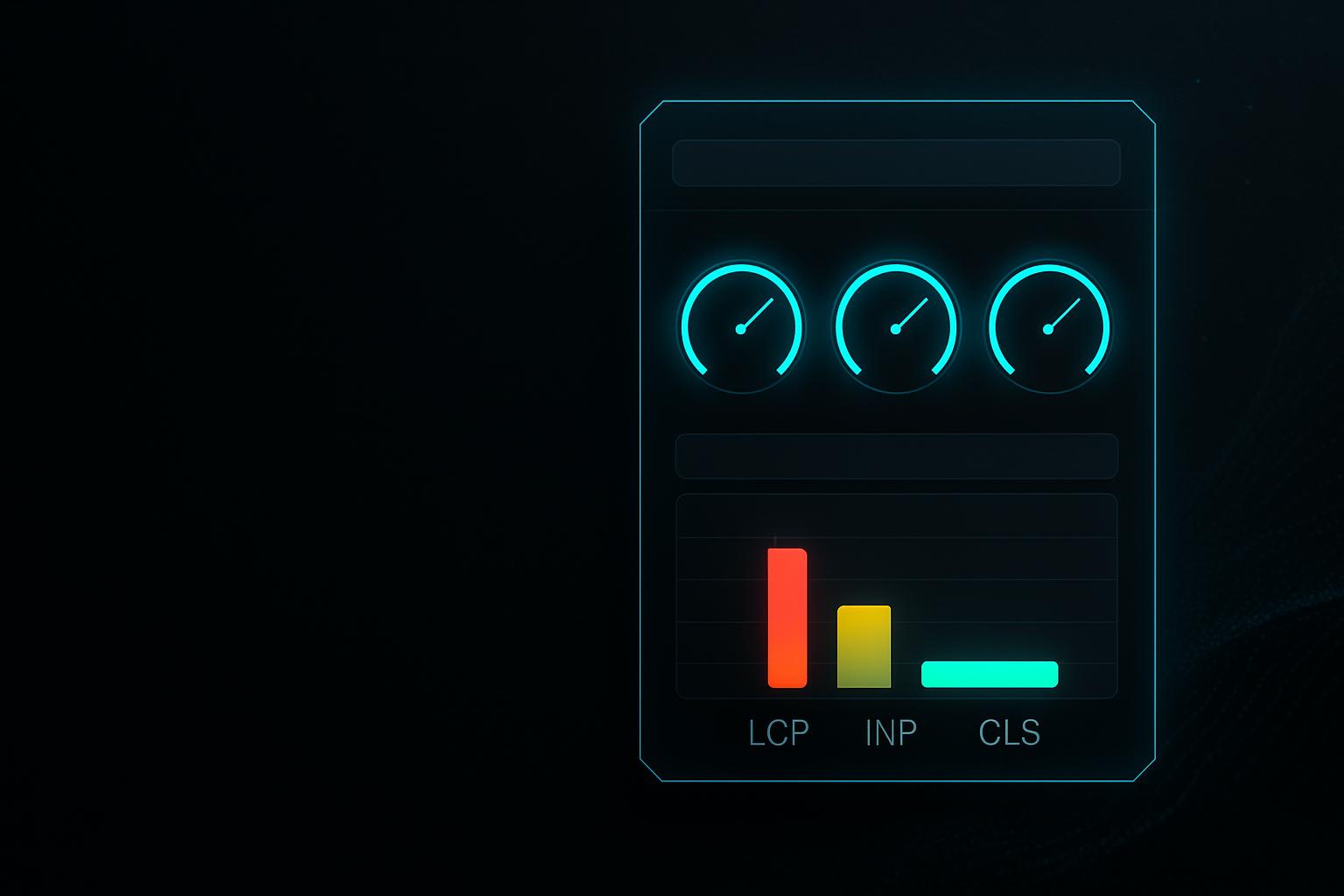
Core Web Vitals optimisation — without rebuilding the site
We measure what your site actually fails on in field data and fix the causes — usually without a relaunch and without changing your theme.
Most attempts at making a website faster fail on the basis of measurement. On a fast machine over a fast connection, every page looks fine. But the site is judged on what real visitors experience — often on a phone, on the move, carrying everything an installation has accumulated over the years.
So we start in the field data, narrow down the actual causes and fix them: images in appropriate formats and sizes, a prioritised main element, reserved space against layout shift, untangled JavaScript and, where it is needed, a faster server response. A relaunch is usually not part of it.
We start in your real user data, not in a test run on our machine.
What you get
Causes, not a score
We work on what actually causes the delay, rather than on briefly lifting a number in a testing tool.
Measured on real visitors
Judged on field data from real visits, not on a lab test over a fast connection.
Usually without a relaunch
In most cases the problem sits in images, scripts and fonts rather than the theme. A rebuild is rarely necessary.
Who this is for
Sites flagged by Google
When Search Console reports pages as slow and it is unclear what is causing it.
WordPress sites grown over years
When plugins have accumulated and the site has become noticeably sluggish.
Sites with an ad budget
When visitors cost money and drop off on mobile before anything is even visible.
Before a planned relaunch
When you want to establish whether a rebuild is genuinely necessary or the existing site can be saved.

The testing tool shows green and your visitors still wait
Most attempts at making a site faster fail on the basis of measurement, not on skill. Testing from a fast machine on a fast connection shows a very different picture from the visitor on a phone.
Lab test instead of field data
A test run measures a single request under ideal conditions. Your site, however, is judged on what real visitors experience.
A caching plugin as the permanent answer
A cache hides the problem for some requests. The cause — too much CSS, too much JavaScript, oversized images — stays exactly where it was.
Images served at full size
A photo is delivered at its original dimensions and scaled down in the browser. That costs time precisely where the connection is slow.
Layout that jumps
Images without fixed dimensions, late-loading banners and fonts push content around while someone is already reading or about to click.
Too much JavaScript before the content
Scripts block rendering until they are loaded and executed. With many plugins that happens on every page, including those where the feature never appears.
The server responds slowly
If the very first response is slow, no amount of browser-side work helps. That is a hosting question, not a front-end one.
We will tell you whether your problem sits in the browser or at the server.
The three numbers this is about
Core Web Vitals are three measurements. Each describes a different experience, and each has different causes.
LCP — when the main content appears
Largest Contentful Paint measures when the largest visible element has loaded, usually an image or a heading. Up to 2.5 seconds counts as good.
INP — how quickly the page responds
Interaction to Next Paint measures how long it takes for something visible to happen after a click or a keystroke. Up to 200 milliseconds counts as good.
CLS — how still the layout stays
Cumulative Layout Shift measures how much content moves around while loading. Up to 0.1 counts as good.
The 75th percentile is what counts
What matters is not the average but the value three out of four visits reach. A fast average can hide a slow minority.
What we typically work on
The measurement decides what is actually needed. These are the levers that most often matter in practice.
Images in modern formats
AVIF and WebP at sizes matched to the device, instead of one large original for everyone. Usually the single biggest lever on LCP.
Prioritise the LCP element
The largest visible element gets requested early instead of queuing behind scripts and other images.
Fixed dimensions against layout shift
Images, embeds and ad slots get their space reserved before they load.
Defuse the fonts
Web fonts are loaded so text is readable immediately rather than waiting on the font file.
Untangle the JavaScript
Scripts not needed for the first render run later — and plugin code runs only where its feature actually appears.
Shorten the server response
Where the first response takes too long, we look at caching, PHP version and hosting instead of optimising further in the browser.
After the measurement you will know which of these matter for you at all.
What we do not promise
So it is clear what this service can and cannot do:
Better rankings
Core Web Vitals are one signal among many. A faster site is measurably better for visitors — what position follows from that is nobody's call, including ours.
Green scores in every tool
We work on field data. A particular score in a lab test is not a goal we chase.
Immediate change in the reports
Field data is built from a rolling 28-day window. An improvement reaches the browser instantly but only shows fully in the reporting weeks later.
How it works
Read the field data
We start in your site's real user data and establish which value fails, on which types of page.
Narrow down the causes
For each failing value we find the actual cause rather than working through a list of generic recommendations.
Prioritise by effect
You get the measures sorted by impact and effort — including the ones that are not worth doing.
Implement
We implement the measures without changing how the site looks, unless you explicitly want that.
Measure again
After implementation we measure again, and watch the field data catch up over the following weeks.
Hand over
You get documentation of what changed and what to avoid in future, so the numbers do not quietly slide back.
We note at the outset which access is needed and what runs without you.
Why it pays for itself
Load time is not a technical metric — it is the first impression your site makes:
Fewer drop-offs before the first content
Someone waiting before anything appears often decides against the page, especially on a phone.
Ad budget works harder
A click landing on a slow page is paid for either way. Faster landing pages waste less of it.
A rebuild stops being the default answer
A relaunch costs many times what optimisation does. The measurement often shows it is not needed.
Evidence rather than impression
Before and after exist as numbers, instead of a feeling that it seems quicker.
Frequently asked
What is the difference between lab and field data?
Lab data comes from a single test request under fixed conditions — useful for finding causes. Field data comes from real visits by real people on their own devices and connections. Your site is judged on the field data, which is why we start there.
Why do the numbers not change immediately after the work?
Because field data is built from a rolling 28-day window. The improvement is there for every new visitor straight away, but the reporting still contains the old, slow visits for weeks.
Do we have to rebuild the site for this?
Usually not. The most common causes are images, scripts, fonts and server response times, all of which can be fixed inside an existing installation. If a rebuild genuinely is the cheaper route, we say so rather than pouring effort into a dead end.
Is a caching plugin not enough?
A cache helps, but it tends to hide the cause rather than solve it. It speeds up delivery of the HTML and changes nothing about how many images, scripts and fonts the browser still has to load afterwards.
Will this improve our ranking?
Core Web Vitals are one signal among many, and we will not promise you a position. What reliably improves is the experience for your visitors — and that can be evidenced in numbers, unlike a ranking promise.
Does this work without WordPress?
Yes. The three measurements apply to any website. The causes differ by system; the approach stays the same.
Will the site look different afterwards?
No, unless you explicitly want it to. We work on how content loads, not how it looks. The one exception is elements that used to visibly jump around — those stay still afterwards.
What is INP and why am I only hearing about it now?
Interaction to Next Paint measures responsiveness after an input and replaced the older First Input Delay. INP measures more strictly, so some sites that previously looked fine became flagged under it.
Have you actually done this?
Yes. On an existing WordPress site we brought LCP in the field data from 5.7 to 1.1 seconds, with CLS staying consistently in the good range — and no relaunch. The case is written up in detail among our projects.
What if hosting is the cause?
Then we say so. If the server response itself is slow, browser-side optimisation achieves little. We show what a move or a different configuration would achieve before you spend money on the front end.
Slow according to Google, fast on your own machine?
Send us your address. We will look at the real user data and tell you which value is failing, what is causing it, and what it takes to fix.
